Parallel Lab LogoSay Hello
Loading...
00%
Parallel Lab
PL'25

Branding
Product

Reimagining No-code tools

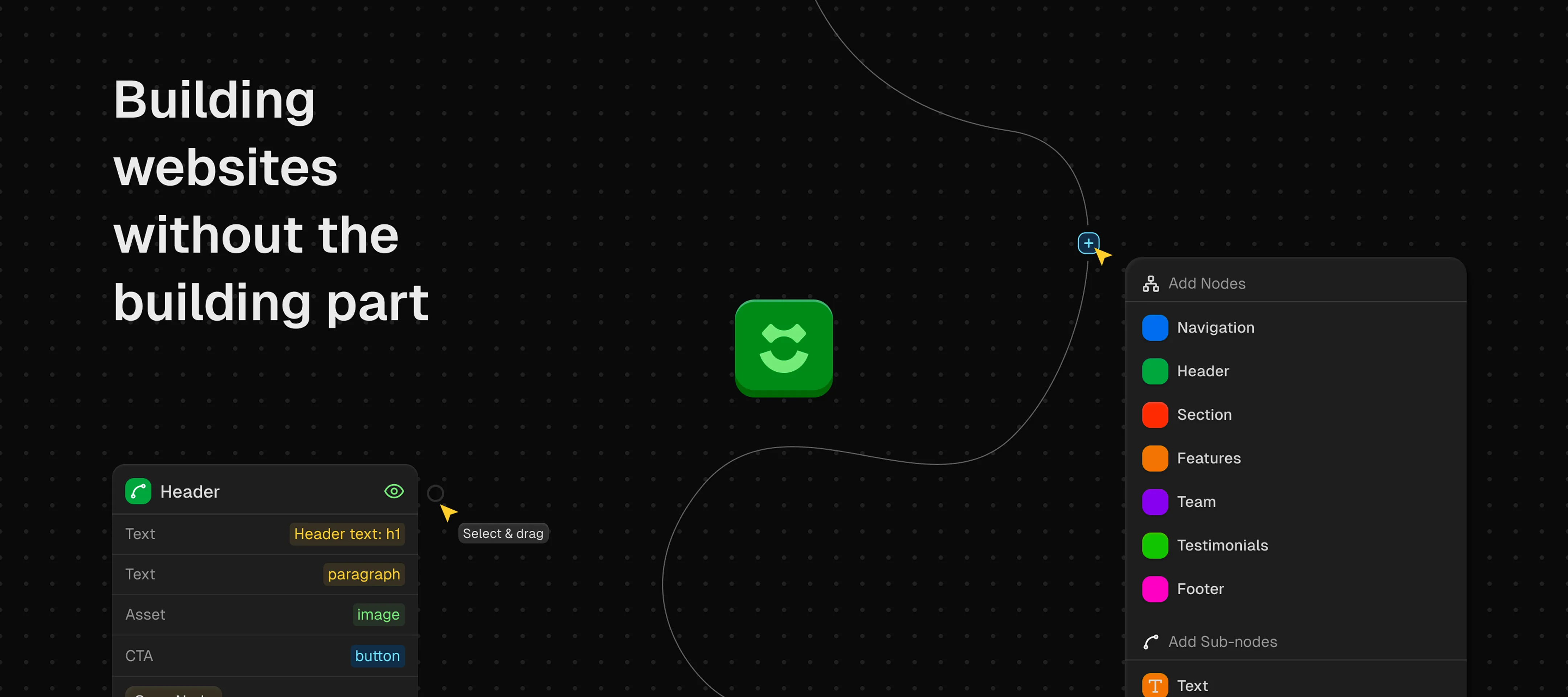
Building websites without the building part
Rift AI

How it happened

Product managers have ideas. Lots of them. But most PMs can't design, and they definitely can't code. So every time they want to test an idea or build a quick landing page, they're stuck waiting for a designer's availability or trying to wrestle with tools that promise "no-code" but still require you to understand flexbox.


Rift came to us with a simple question: what if you could just describe what you want and have it built for you—properly?


Not another drag-and-drop builder with a thousand options. Not another AI tool that spits out garbage HTML and calls it a website. Something that actually understood good design and let people execute ideas fast.


Rift came to us with a simple question: what if you could just describe what you want and have it built for you—properly?
Rift AI Logo

The Approach

Here's what made Rift different from the start: they didn't want to give users infinite options. Most no-code tools fail because they try to replicate the full power of code, which defeats the entire purpose. Rift went the opposite direction—fewer choices, better outcomes.


We trained their AI on well-designed websites. Real ones. Sites that actually worked and looked good. So when someone types "landing page for a productivity app," the AI isn't guessing—it's pulling from patterns that have been proven to work.


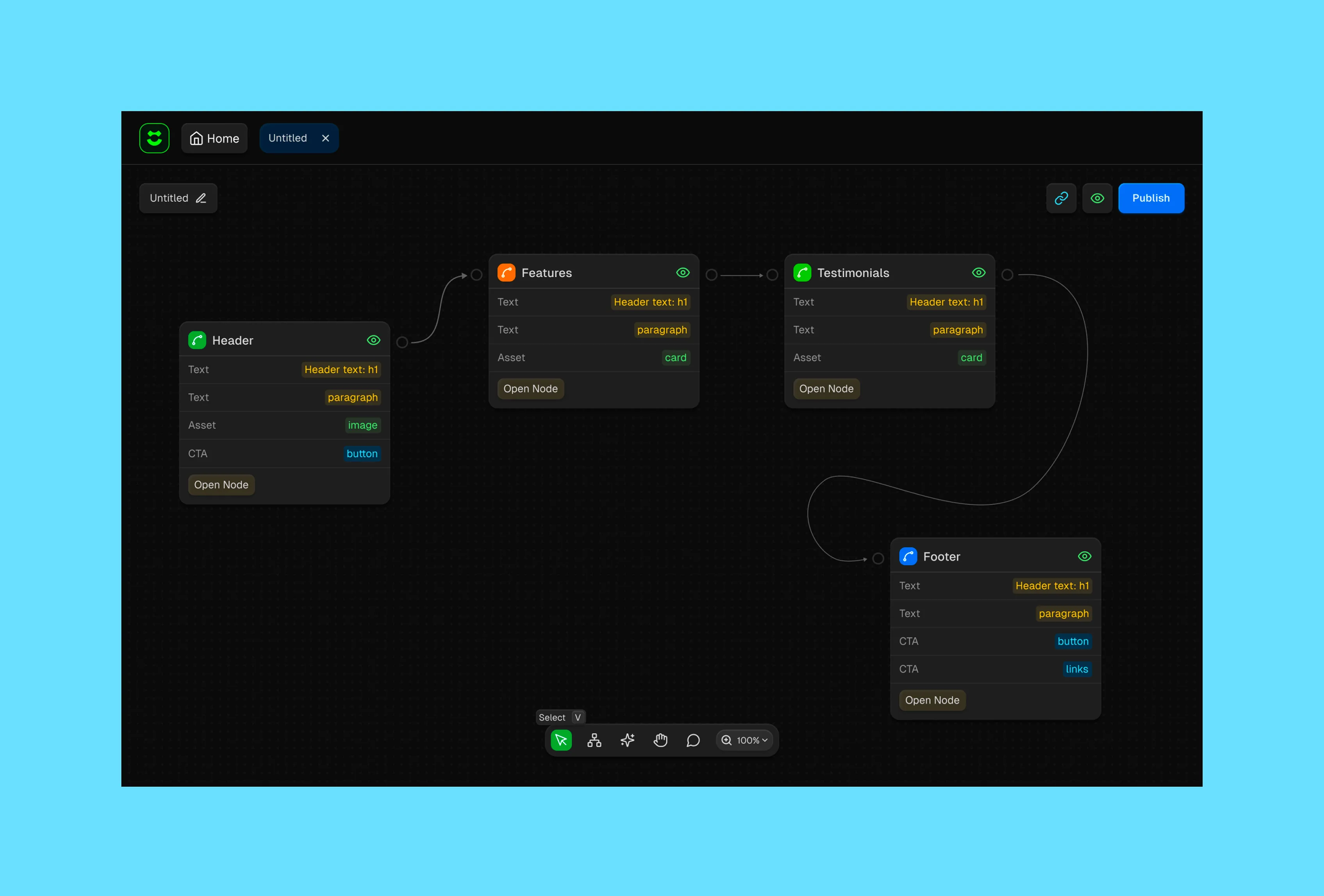
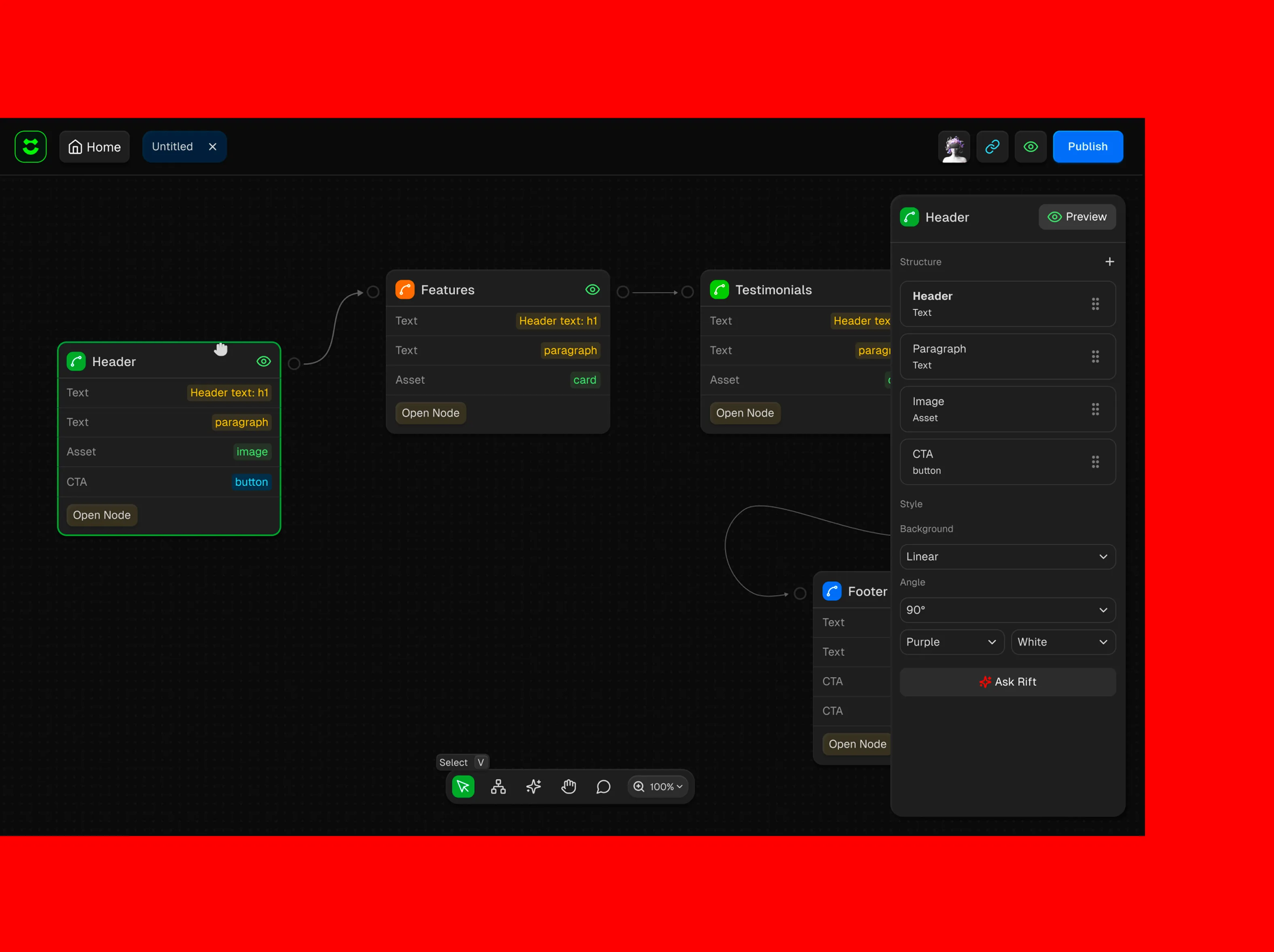
The node-based system gave users just enough control without overwhelming them. You could build with sections and elements, arrange things visually, but you weren't drowning in typography settings or debating padding values. The constraints were the feature.
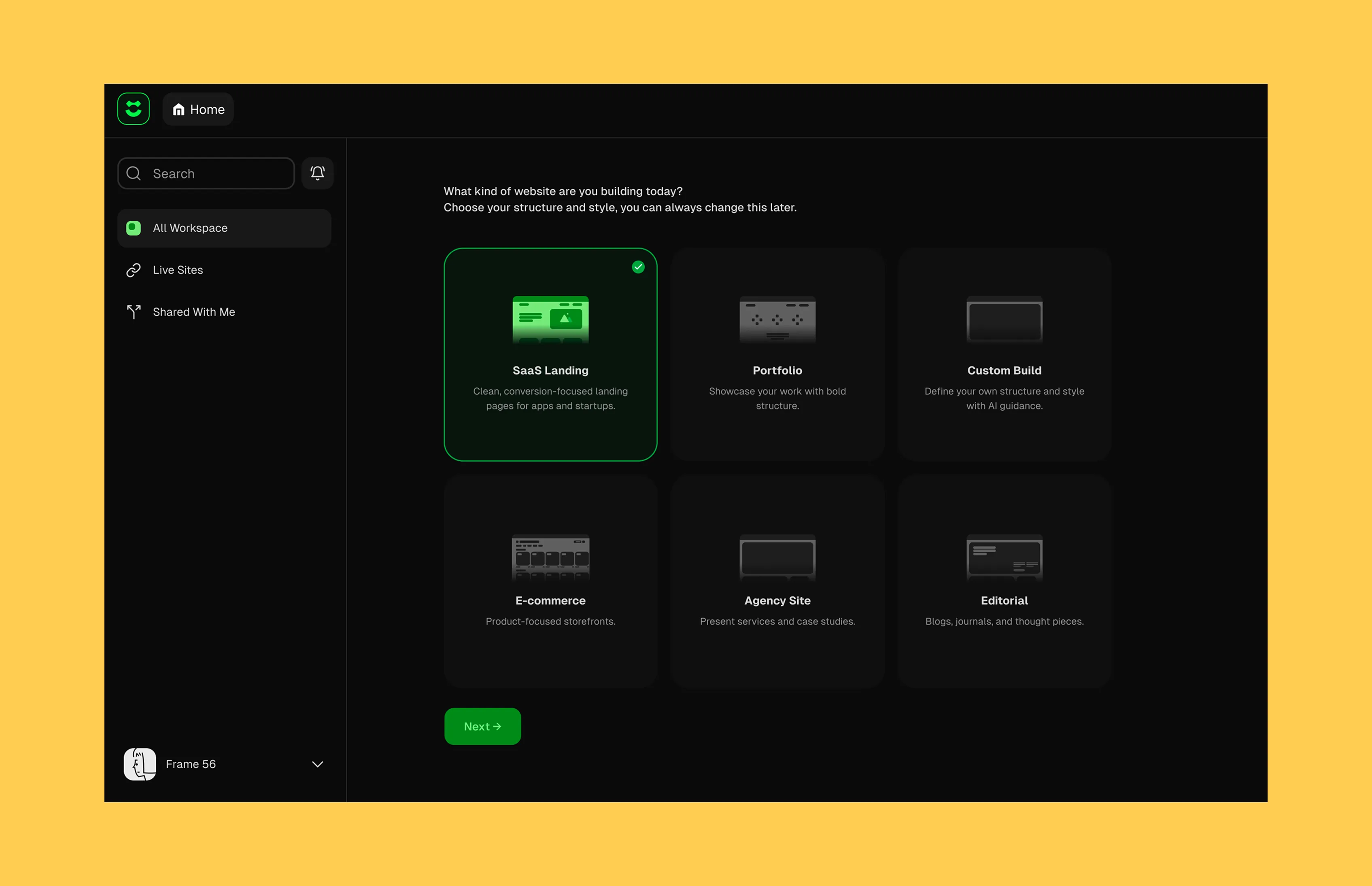
Rift AI interface

The Design Challenge

The tricky part wasn't the branding or even the product design—it was bridging the gap between traditional UX thinking and something that had never really been done before.


Most website builders assume users know what they're doing. Rift had to work for people who'd never built a website in their lives. That meant rethinking every interaction, every menu, every bit of language in the interface.


We couldn't just design screens. We had to design a mental model—a way for non-designers to think about building websites that felt natural and didn't require them to learn a bunch of jargon.

The Brand

The name Rift came from the idea of a portal—a shortcut between idea and execution. The visual identity needed to feel capable and intelligent without being cold or overly technical.


We landed on something clean and confident that worked equally well in marketing materials and inside the product itself.
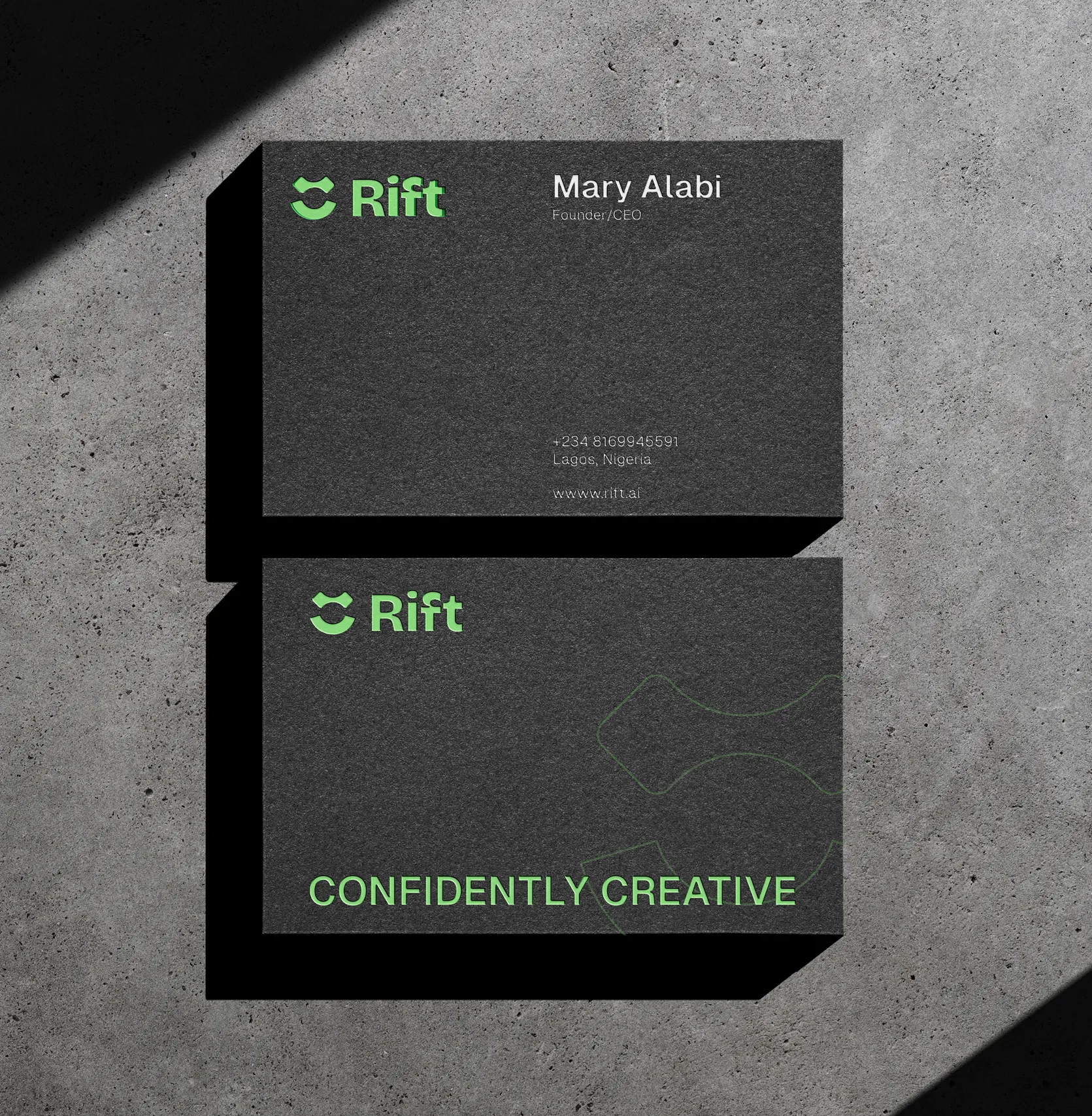
Rift AI business card mockup
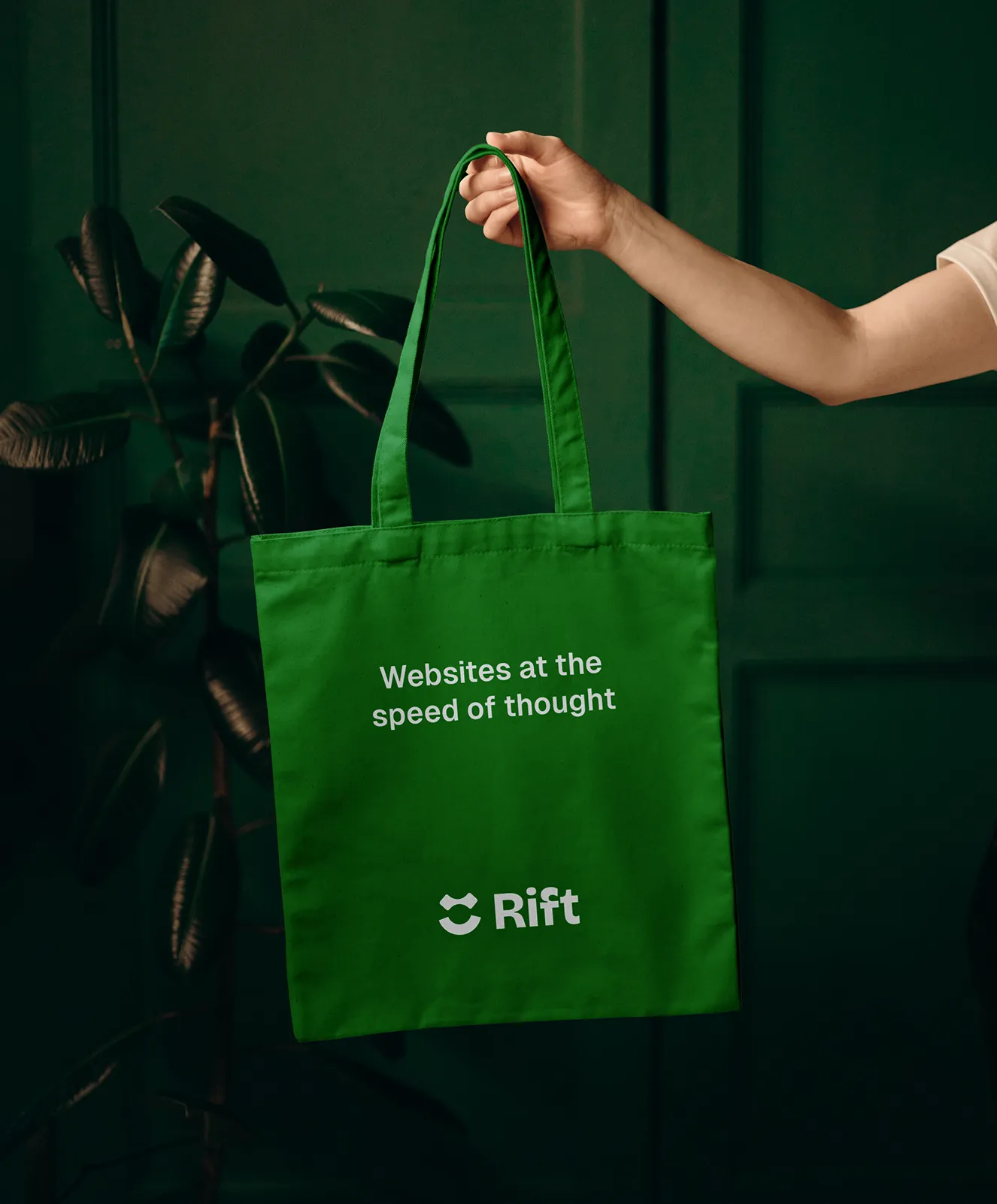
Rift AI bag mockup
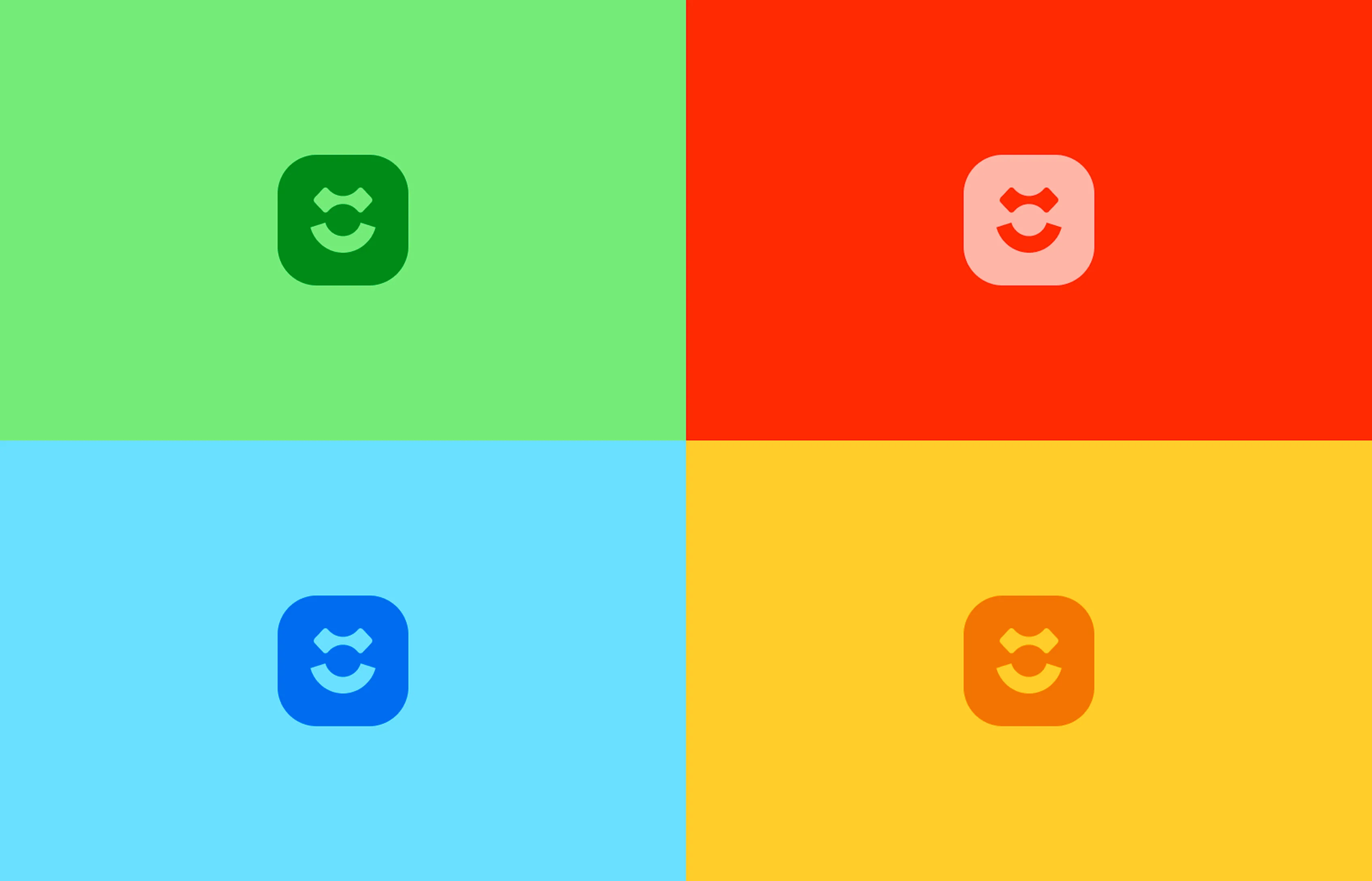
Color blocks on different Rift AI logo design

The Product

We designed and built the entire platform. The node editor, the AI prompt interface, the preview system, the asset management—everything. The interface had to be simple enough for a first-time user but powerful enough that they wouldn't outgrow it immediately.


The AI integration was the centerpiece. Users could either start from scratch with nodes or type a prompt and watch Rift generate a page in seconds. Then they could tweak it using the node system. The prompt-to-visual-editor workflow was seamless in a way most AI tools aren't.


The Constraints:

We deliberately limited what users could do. Sounds counterintuitive, but it's what made the tool actually usable. Pre-set spacing systems, curated typography options, smart layout templates. You couldn't make bad design decisions because we didn't give you access to them.
Button interface showcase
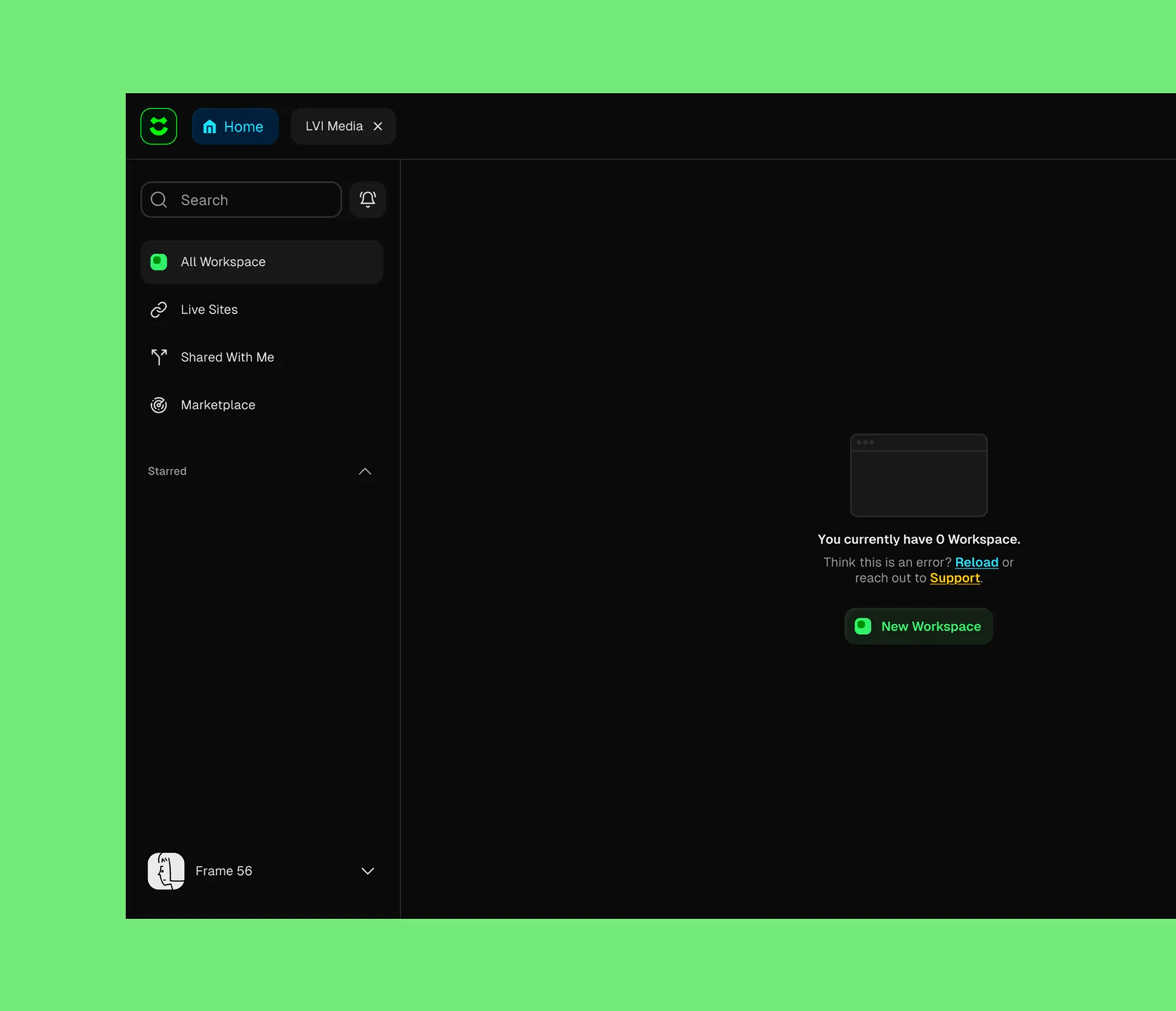
Dashboard interface showcase

What Made It Work

Rift succeeded because it solved a real problem without pretending the solution was easy. Building websites is hard. Instead of lying about that, we made a tool that handled the hard parts for you.


The AI wasn't magic—it was trained on good examples and made smart defaults. The node system wasn't revolutionary—it just gave people the right amount of control. The constraints weren't limitations—they were guardrails that kept people from shooting themselves in the foot.

PMs could finally test ideas at the speed of thought. Founders could build landing pages without hiring an agency. People who'd never touched design software could make things that didn't look embarrassing.
Red interface showcase

What We Learned

Constraints can be gifts. Not being able to show projects forced us to think differently about what a portfolio site could be. Instead of documenting past work, we demonstrated how LVI works through the experience itself.

Also: energy is transferable. A website can embody the qualities of the company it represents. LVI is fast and bold, so we made a site that feels fast and bold. That coherence between brand personality and digital experience is what makes people remember you.

Sometimes the website is the portfolio.
Yellow final showcase
Next Project  →